
Automate Blog
Unlock the full power of the HighLevel platform with the
Australian-based HighLevel experts - Automate Digital.
How to use Product Element in Email Campaigns
Go to Marketing > Emails > Campaign
Create New Campaign or go to other draft campaigns
In the element, there will be option to add products

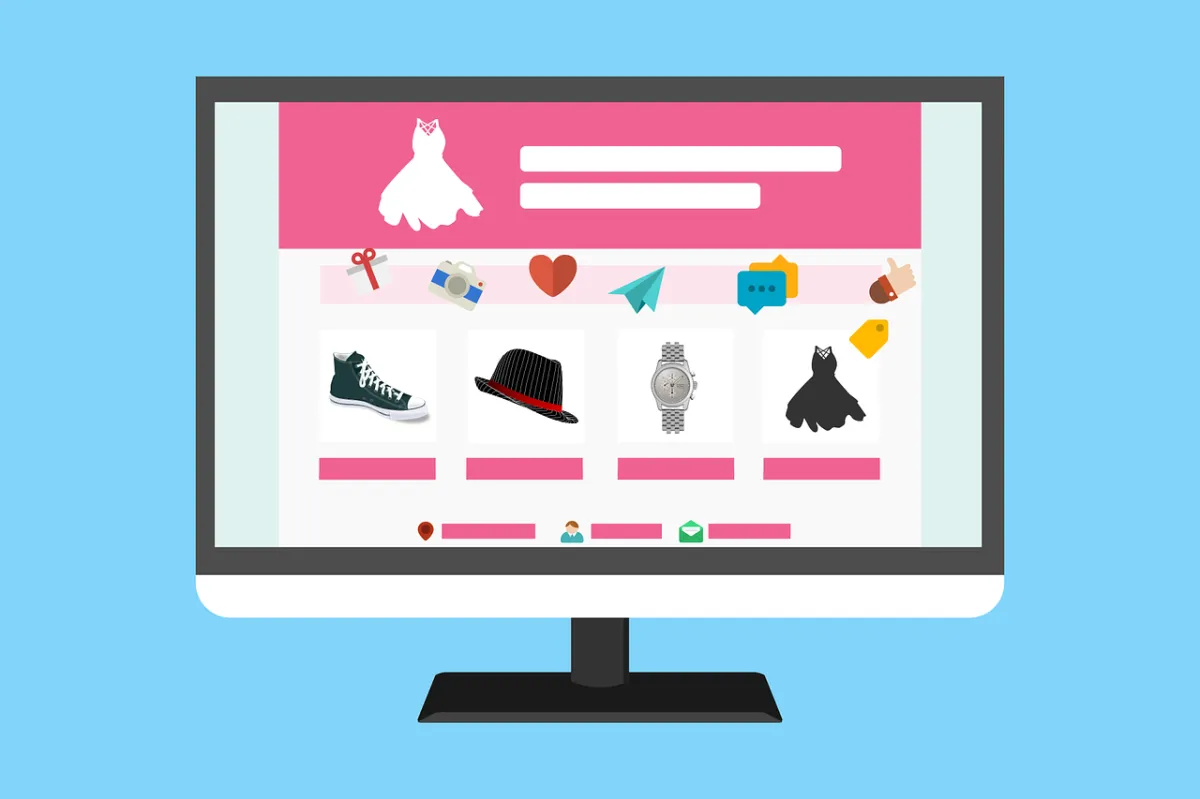
The prerequisite for using this product element is you must have one time or subscription products setup in Payments > Products with a title, description and images.

Add items of product which you would like to add:

You can also choose the designs option about how to showcase in your newsletter:

There are options to show the title, description, prices:

There option to rename the button:

In URL section, you can add URL redirect of funnel, website or ecommerce platform:

What does the future hold with the Product Element?
Direct custom checkout to convert product sales
Option to redirect to specific product detail pages in future with ecommerce
Product Element will help in recording ROI and revenue per recipient.



ABOUT US
SYSTEM COMPARISONS
© Copyright 2024. Automate Digital Marketing