

Automate Blog
Unlock the full power of the HighLevel platform with the
Australian-based HighLevel experts - Automate Digital.

Organise and Personalise Your Tags with Categories and Colours
Managing tags in Automate CRM is getting easier with the introduction of tag categories and customisable tag colours.
You can now group related tags into categories and assign colours to make them easier to recognise and manage across your account.
If you've accumulated a large number of tags over time, this new feature can make it much easier to keep everything organised and quickly identify the tags you're looking for.
Customise Your Tag Colours
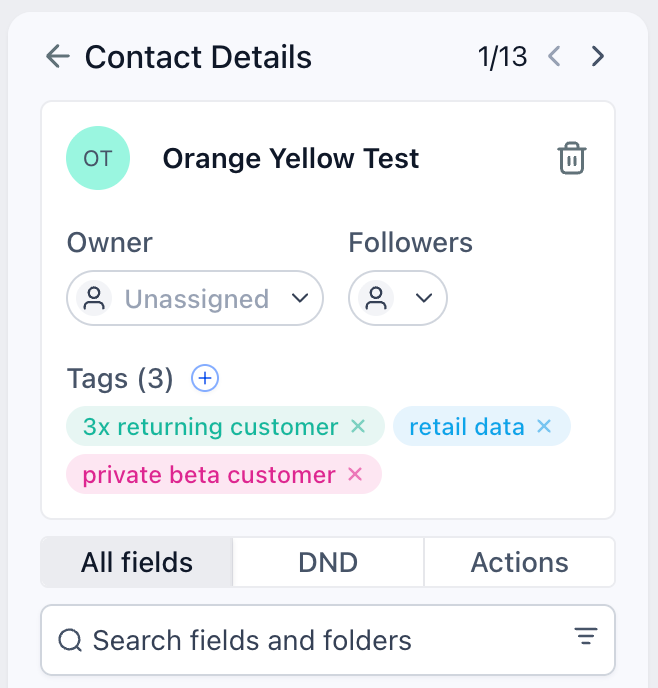
You can now assign a colour to each tag, making different types of tags easier to identify at a glance.
You can:
Choose from a predefined selection of colours
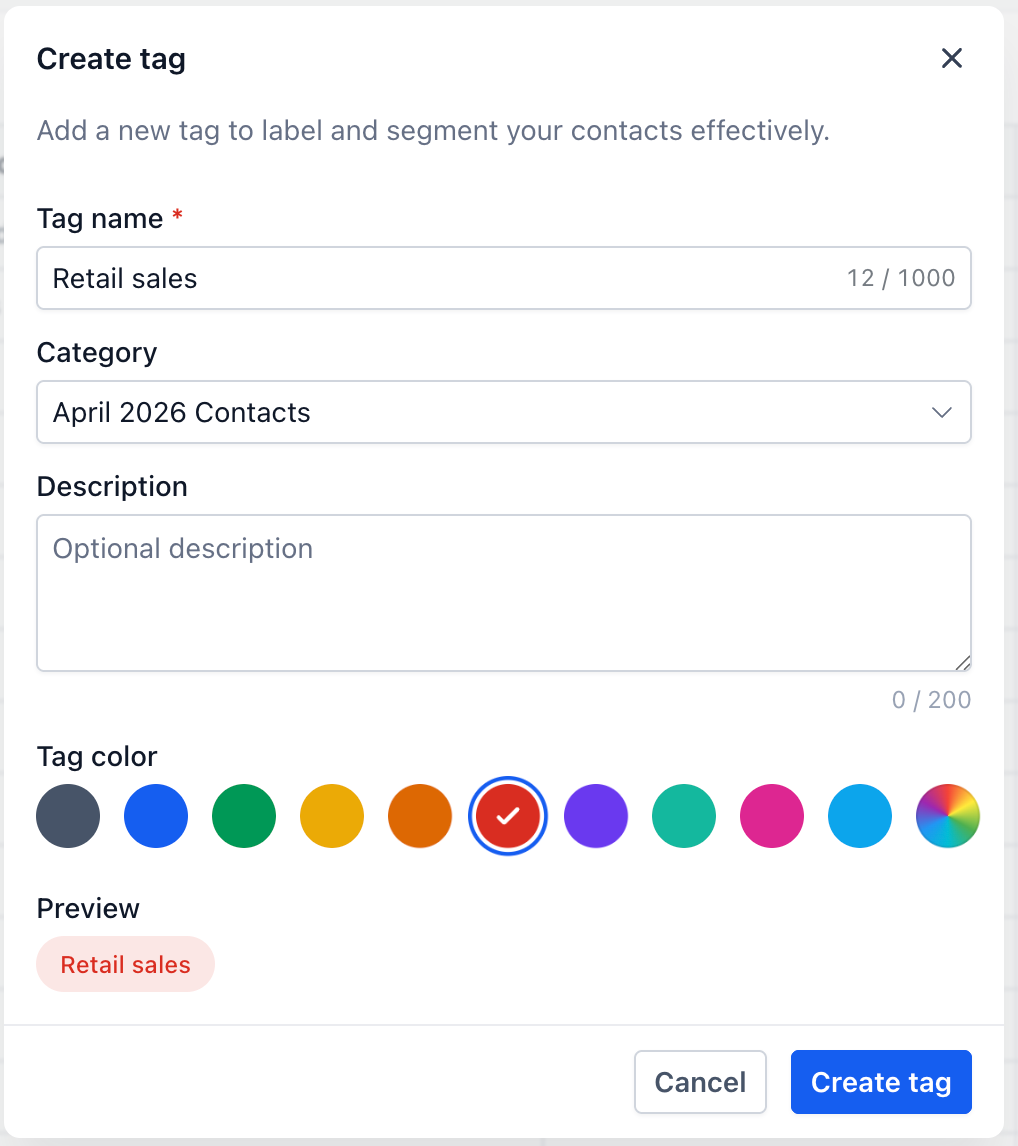
Use the colour picker to select a custom colour
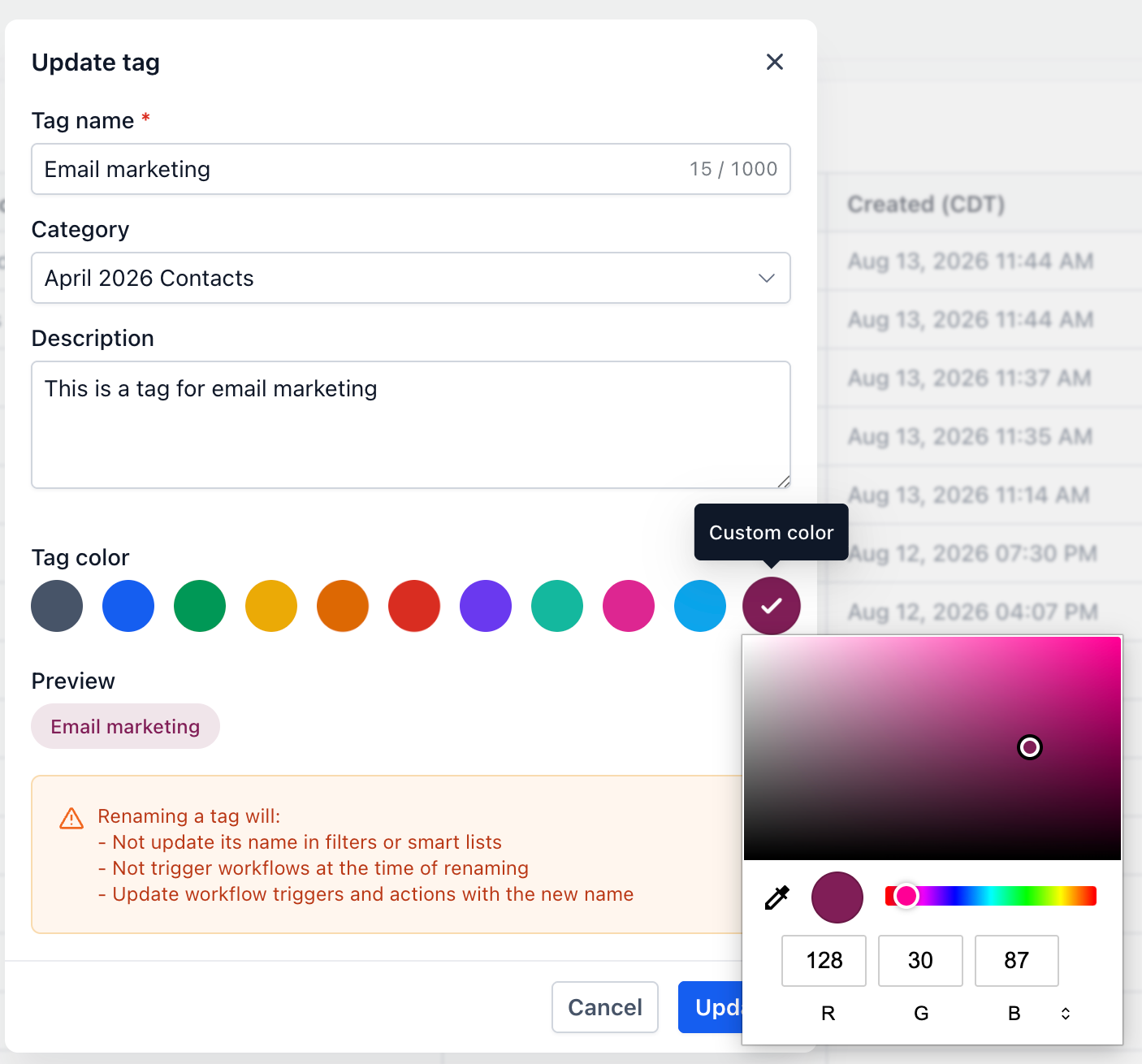
Choose colours that match your branding or your own internal system
Leave tags as the default grey if you don't need a specific colour
Existing tags will initially appear in grey, so you don't need to make any changes unless you want to.
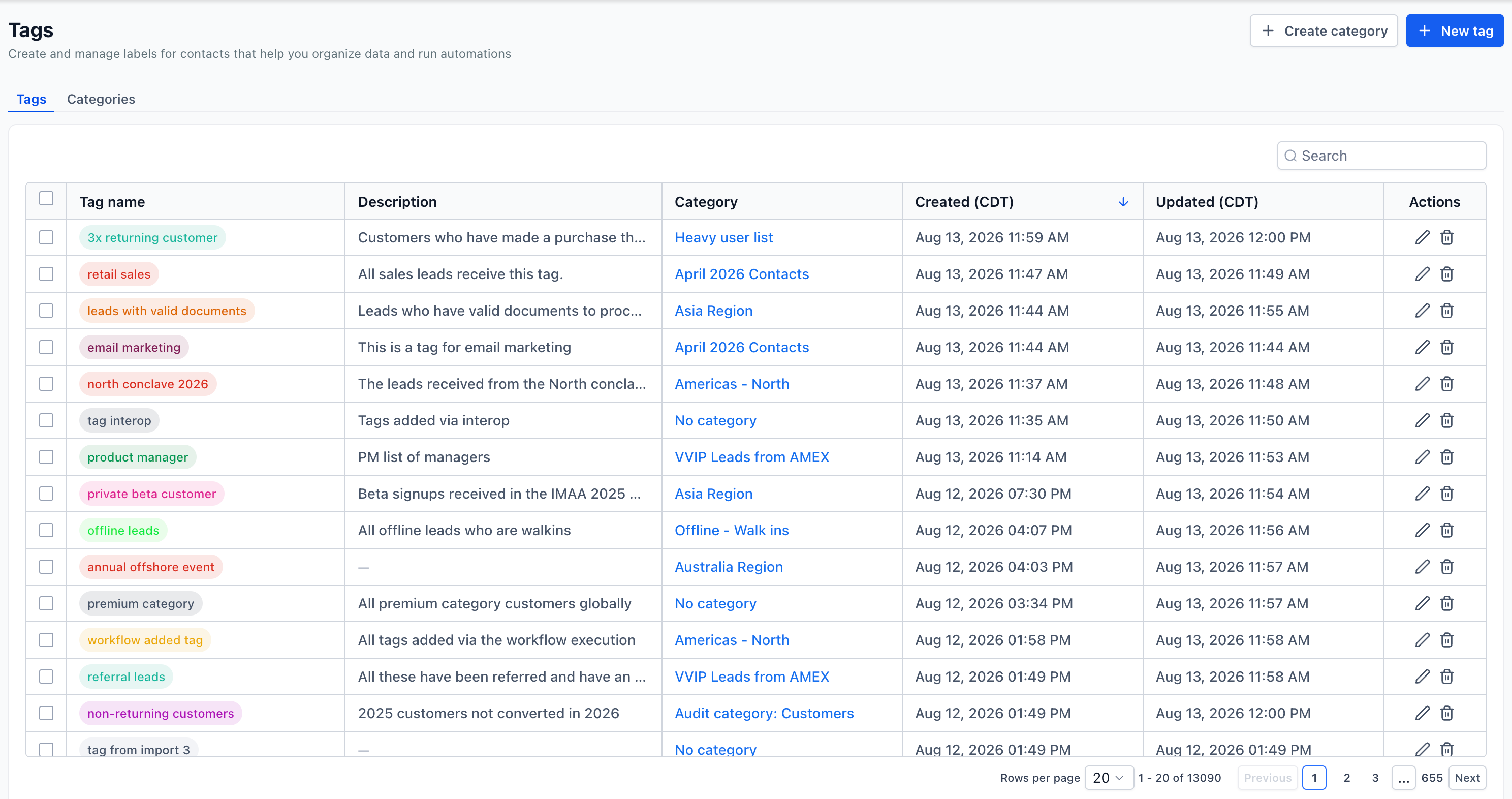
Tag colours are also displayed when adding tags from a contact's details and when viewing tags within Smart List columns.
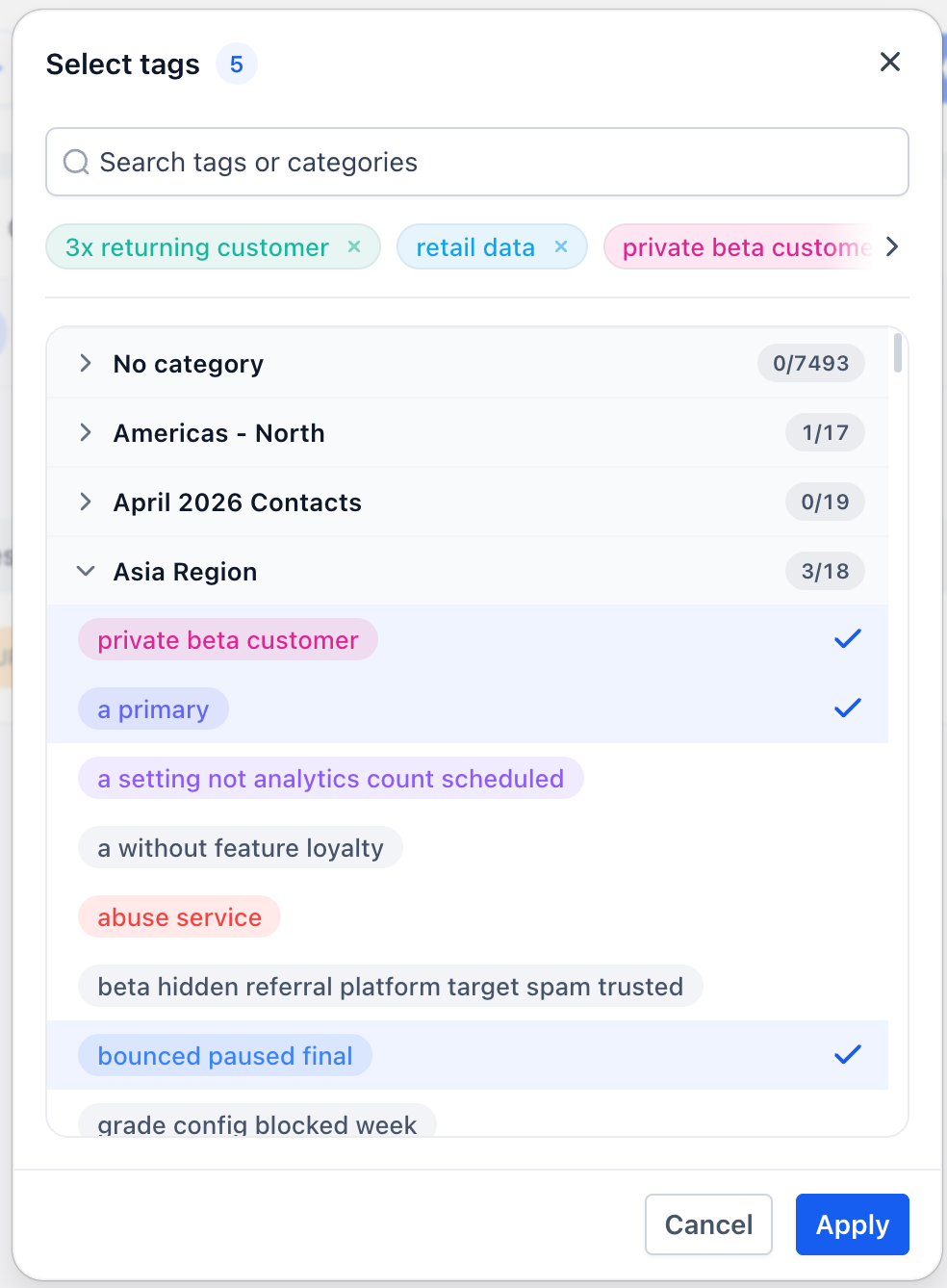
Organise Tags into Categories
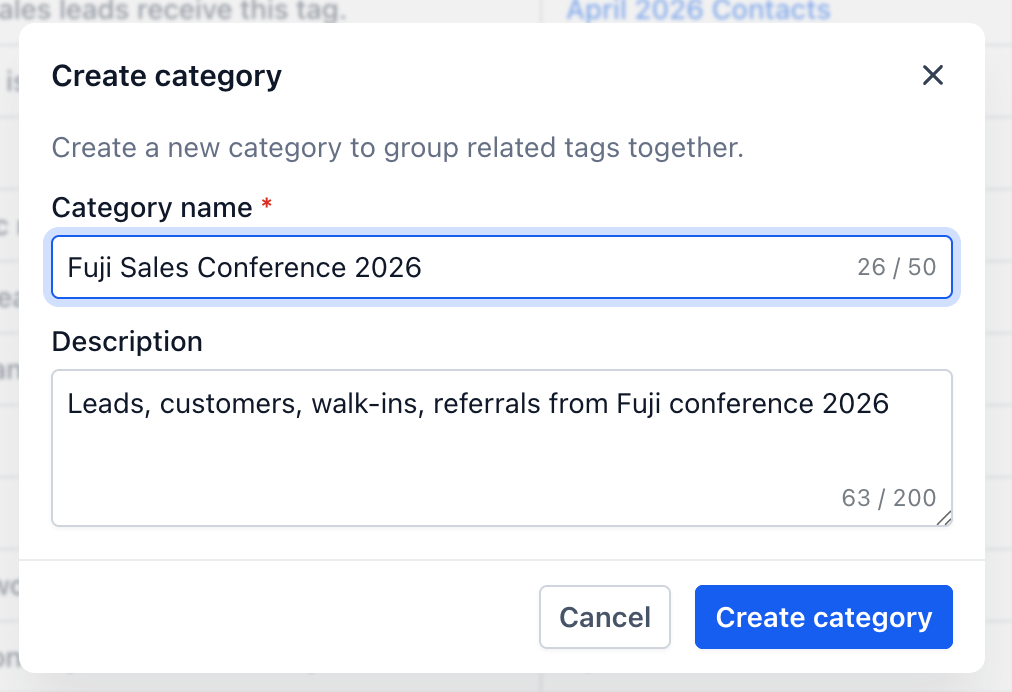
Tag categories provide a more structured way to organise related tags within Automate CRM.
You can create categories and then group multiple tags under them. For example, you might create categories such as:
Lead Source – Facebook, Google, Referral, Website
Customer Type – Client, Prospect, Past Client
Interests – Coaching, Courses, Events
Engagement – Newsletter Subscriber, Webinar Attendee, Downloaded Resource
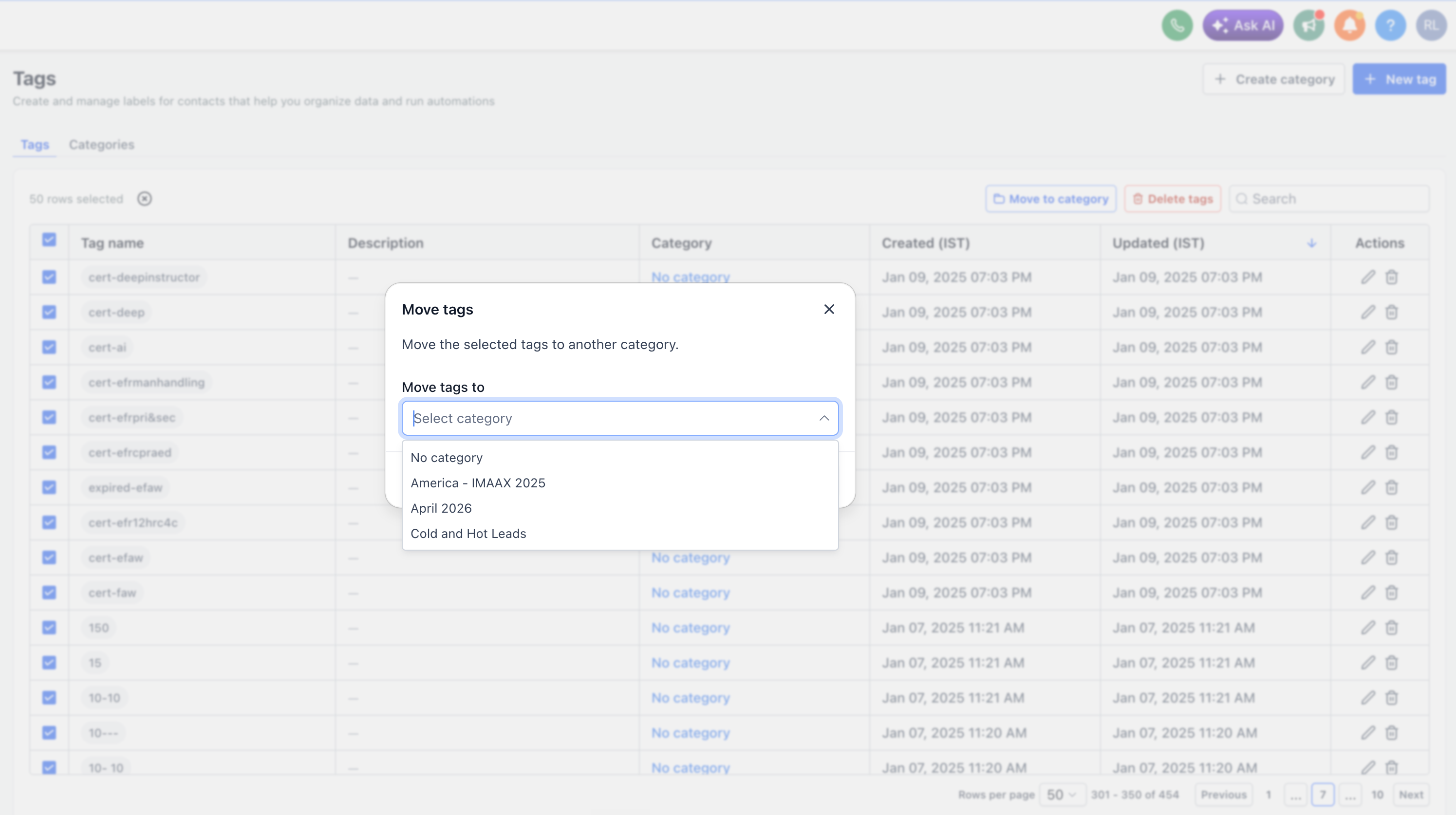
Individual tags can be moved between categories, or you can bulk move multiple tags at once.
Every tag belongs to a category. Tags that haven't been assigned to a specific category will automatically sit under No category.
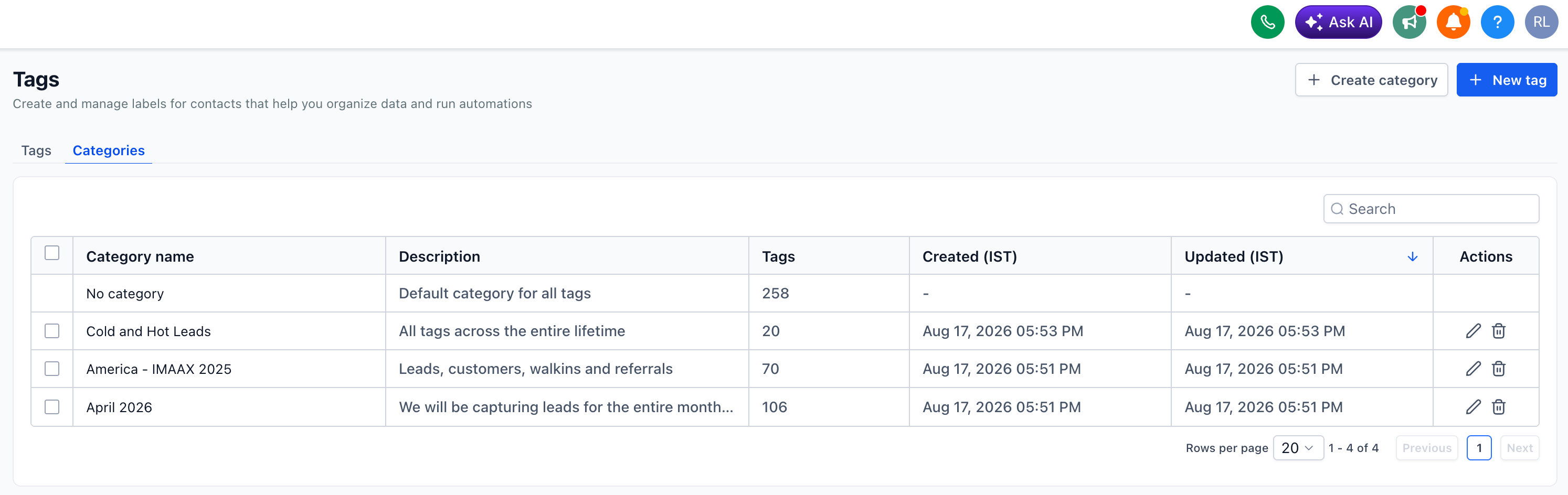
All your existing tags will initially be placed under No category, and you can gradually move them into new categories as you organise your account.
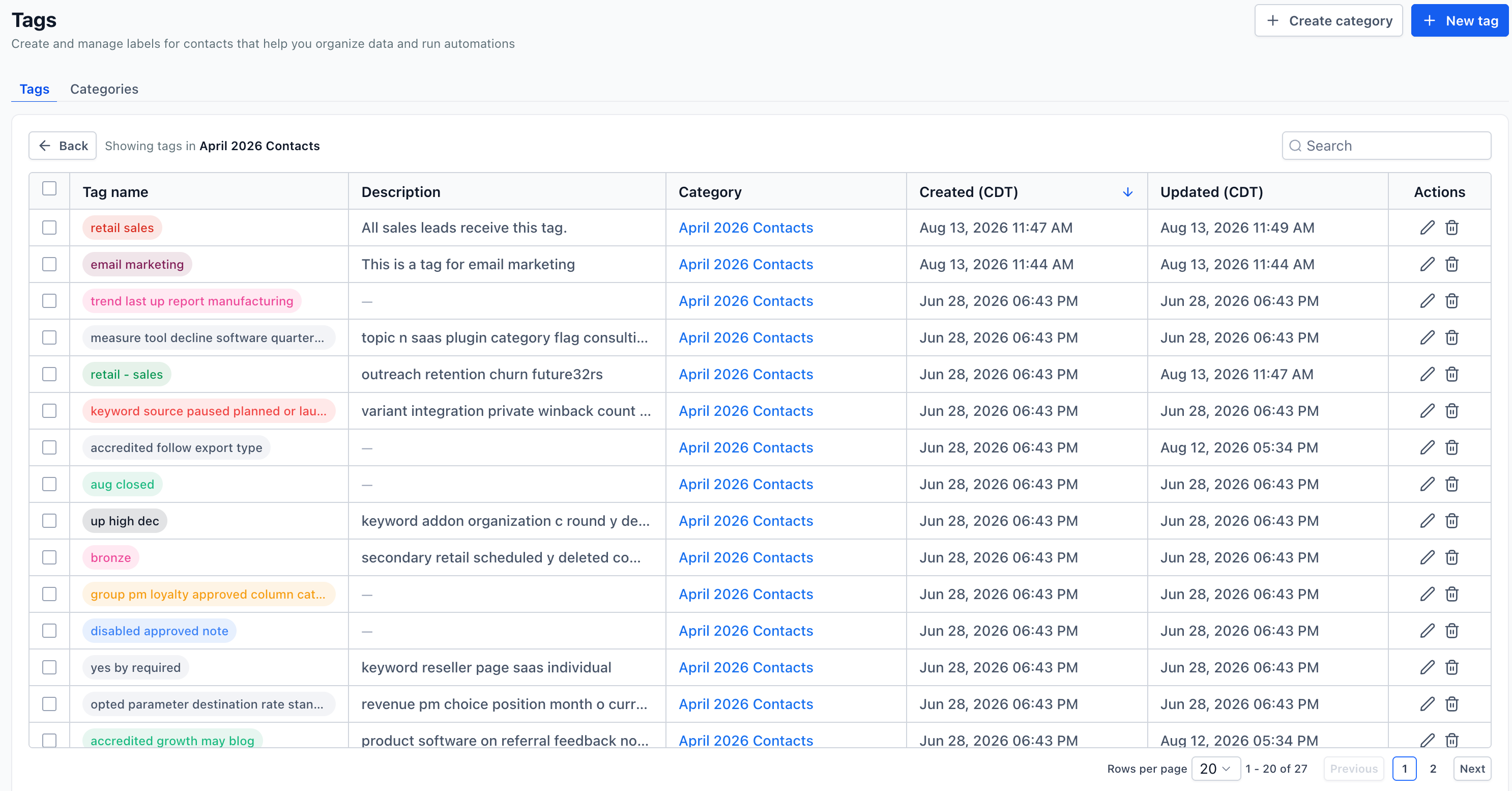
If you delete a category that contains tags, those tags won't be deleted. They'll simply be moved back into No category.
A Simple Way to Keep Your CRM More Organised
Tags are incredibly useful for segmenting contacts, triggering automations and keeping track of different groups within your database. However, as the number of tags in an account grows, they can quickly become difficult to manage.
Categories and colours give you a simple visual system for keeping your tags organised without changing how your existing tags work.
This is particularly useful for Automate CRM accounts that use a large number of tags across workflows, forms, campaigns and Smart Lists.
How to Access the New Tag Features
This feature is currently available through Labs.
If you'd like to try it, head to Settings → Labs in your Automate CRM account and enable the new tag categories and colours feature.
Once enabled, you can start organising your existing tags into categories and adding colours to make them easier to identify.



ABOUT US
SYSTEM COMPARISONS
© Copyright 2024. Automate Digital Marketing